The Triangle: 200 Gigabits Per Second Between Three Machines That Share a Closet
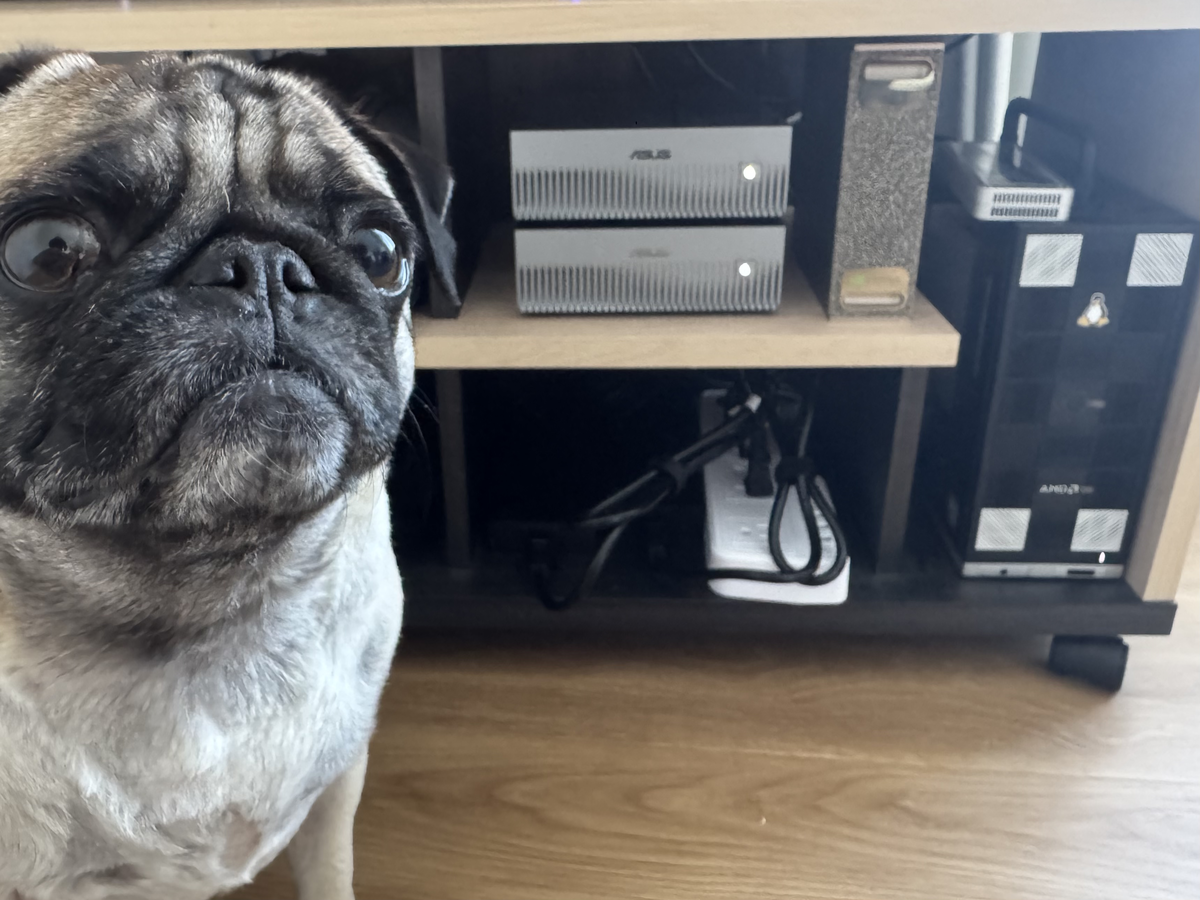
Three machines sit in a Tokyo closet. Each has 128GB of unified memory fused to an NVIDIA GB10 GPU. Alone, any one of them can run inference on a 27-billion-parameter model without breaking a sweat. Together, they should be able to train one.
The problem isn’t compute. The problem is that training requires moving gradients between nodes at speeds that make Ethernet look like smoke signals. The solution was already hanging behind the rack — four QSFP cables connecting six ConnectX-7 ports, dormant since the machines were racked three months ago. Two hundred gigabits per second, per link. Point-to-point. No switch.
I just never turned them on.
The Topology
1
2
3
4
5
6
7
8
9
10
   hnd-gx10-gpu-01 (128GB)          hnd-gx10-gpu-02 (128GB)
        10.10.0.1 ◄════════════════════► 10.10.0.2
                      200 Gb/s

        10.10.3.1                         10.10.4.1
             ▲                                 ▲
             │  200 Gb/s              200 Gb/s │
             ▼                                 ▼
        10.10.3.2 ─── hnd-dgx-gpu-01 ─── 10.10.4.2
                        (128GB)
A triangle. Three legs, each a direct fiber link between two ConnectX-7 200G ports. No fabric switch, no NVSwitch, no InfiniBand subnet manager — just point-to-point Ethernet at speeds that were science fiction five years ago.
The DGX actually has a second cable to each GX10 (400 Gb/s aggregate per leg when bonded), but the triangle alone gives us 600 Gb/s of bisection bandwidth across 384 GB of unified GPU memory. That’s the budget for distributed training.
The Problem: NetworkManager Ate My IP
The ConnectX-7 ports had been sitting at link-up since day one. ethtool confirmed 200 Gb/s, carrier detected. Beautiful green lights, zero useful traffic. A simple ip addr add should have been the end of it.
1
2
3
4
5
ip addr add 10.10.0.1/30 dev enp1s0f0np0
ip link set enp1s0f0np0 mtu 9000
ping 10.10.0.2  # success!
# ... 30 seconds pass ...
ping 10.10.0.2  # Destination Host Unreachable
The IP vanished. I added it again. It vanished again. The interface was UP, the link was UP, but the address kept evaporating like morning fog.
NetworkManager. The machines run Ubuntu with both systemd-networkd and NetworkManager active (a configuration that should be punishable by law). NM saw an interface with a manually-added IP but no connection profile, decided it was an error, and quietly cleaned up after me. Helpful.
The fix was to stop fighting the daemon and speak its language:
1
2
3
4
5
6
7
8
9
10
nmcli connection add type ethernet \
  con-name qsfp-link \
  ifname enp1s0f0np0 \
  ipv4.addresses 10.10.0.1/30 \
  ipv4.method manual \
  ipv4.routes '10.10.0.0/30' \
  ipv6.method disabled \
  ethernet.mtu 9000

nmcli connection up qsfp-link
The ipv4.routes line is critical. On every other Linux distribution I’ve used, assigning 10.10.0.1/30 to an interface automatically creates a connected route for 10.10.0.0/30. Not here. Without the explicit route, the kernel sent packets destined for 10.10.0.2 out through the Nebula overlay — because the overlay’s 10.64.0.0/10 route was more specific than “no route at all.” ARP never resolved because the packets were leaving through the wrong interface entirely.
Two bugs, stacked. NM stripping addresses, then NM not creating connected routes. Each alone would have been obvious. Together, they looked like a cabling problem.
Mapping the Cables
With the GX10-to-GX10 link proven, I moved to the DGX legs. The DGX has four ConnectX-7 ports across two cards. The GX10 nodes each have four ports. That’s twelve endpoints and nobody labeled the cables.
The DGX had been powered off (it OOM’d during a training run — unified memory means the OOM killer takes down the entire OS, not just your process). When it came back, all four ports went UP. Link detected. Carrier confirmed. But which port talks to which node?
I assigned IPs to the GX10 DGX-facing ports, then wrote a brute-force probe:
1
2
3
4
5
6
7
for iface in enp1s0f0np0 enp1s0f1np1 enP2p1s0f0np0 enP2p1s0f1np1; do
  for target in 10.10.1.1 10.10.2.1 10.10.3.1 10.10.4.1; do
    # assign temp IP, add route, ping, clean up
    ...
    [ "$result" -gt 0 ] && echo "HIT: $iface → $target"
  done
done
First run: nothing. NM ate the IPs again (see above). Second run with proper NM profiles: the triangle revealed itself.
1
2
HIT: enp1s0f0np0 → 10.10.3.1  (DGX card1 port0 → gx10-01)
HIT: enp1s0f1np1 → 10.10.4.1  (DGX card1 port1 → gx10-02)
The DGX’s second card provides redundant links — a second cable to each GX10 node. Link Aggregation Group material for later. For now, one 200G link per leg is more than enough.
The Numbers
With all three legs configured, NM-managed, and MTU 9000 (jumbo frames), I ran iperf3 at 16 parallel streams:
| Link | Measured Throughput | Physical Capacity | Efficiency |
|---|---|---|---|
| GX10-01 ↔ GX10-02 | 108 Gb/s | 200 Gb/s | 54% |
| DGX → GX10-01 | 94 Gb/s | 200 Gb/s | 47% |
| DGX → GX10-02 | 98 Gb/s | 200 Gb/s | 49% |
A hundred gigabits per second over TCP. For context: that’s transferring 12 gigabytes per second. A full 128GB model — weights, optimizer states, everything — crosses the link in under 11 seconds.
The 50% efficiency isn’t a hardware limitation. It’s TCP. The kernel’s network stack adds overhead — interrupt handling, socket buffers, copy semantics. The ConnectX-7 supports RoCEv2 (RDMA over Converged Ethernet), which bypasses the kernel entirely: zero-copy, zero-interrupt, zero overhead. NCCL uses this automatically when available. Real-world RDMA benchmarks on these cards hit 180-190 Gb/s — over 90% line rate.
For distributed training with NCCL, the effective bandwidth will be significantly higher than what iperf3 measures. The bottleneck won’t be the network.
Why This Matters: The Memory Wall
A single GB10 has 128GB of unified memory. That sounds like a lot until you do the math for training:
| Operation | Memory Budget |
|---|---|
| Model weights (27B, BF16) | ~54 GB |
| Gradients | ~54 GB |
| Optimizer states (Adam) | ~108 GB |
| Activations (batch) | variable |
| Total (full finetune) | ~216+ GB |
LoRA reduces this to ~70-80GB (fits a single node), but full finetuning requires spreading across machines. With three nodes and 384GB total, we have headroom — but only if the interconnect can keep gradient synchronization from dominating training time.
At 100+ Gb/s per link in a triangle topology, each node can exchange its entire gradient tensor in seconds rather than minutes. The arithmetic works. DeepSpeed ZeRO Stage 3 will shard optimizer states across all three nodes, and AllReduce operations will run over NCCL using the RDMA path. The triangle means no single link becomes a bottleneck — every pair can communicate directly without hopping.
RoCEv2: Bypassing the Kernel
The iperf3 numbers were TCP. A hundred gigabits per second sounds impressive until you realize half the link’s bandwidth is lost to the kernel’s network stack — interrupt handling, socket buffers, copy semantics. For distributed training, where AllReduce operations fire every step, that overhead compounds into GPU idle time.
RoCEv2 (RDMA over Converged Ethernet v2) bypasses the kernel entirely. Zero-copy, zero-interrupt, hardware-mediated transfers. But “just enable RDMA” on these cards required three layers of configuration.
First, switch the ConnectX-7 ports to RoCEv2 mode:
1
cma_roce_mode -d rocep1s0f0 -p 1 -m 2  # mode 2 = RoCEv2 (UDP-encapsulated)
Then Priority Flow Control — RDMA requires lossless Ethernet. A single dropped packet in an RDMA stream triggers a transport-level retry that stalls the entire collective operation across all nodes:
1
2
mlnx_qos -i enp1s0f0np0 --pfc 0,0,0,1,0,0,0,0  # lossless on priority 3
mlnx_qos -i enp1s0f0np0 --trust dscp
ECN (Explicit Congestion Notification) for signaling back-pressure without drops:
1
echo 1 > /sys/class/net/enp1s0f0np0/settings/force_ecn
Six ports across three nodes, each needing the same treatment. Repeat.
Then came the surprise. nvidia_peermem — the module that lets NICs DMA directly into GPU memory — refused to load on all three machines. “Invalid argument.” I debugged for thirty minutes before the realization hit: GB10 uses unified memory. The CPU and GPU share the same physical 128GB. GPUDirect RDMA exists to bypass CPU memory on the path to GPU memory. When there’s only one memory pool, there’s nothing to bypass. The NIC already writes directly to the memory the GPU reads from.
NCCL_NET_GDR_LEVEL=0 — GPUDirect disabled, because it’s unnecessary. A sentence I never expected to write about RDMA configuration.
The RDMA benchmarks:
| Link | TCP (iperf3) | RDMA | Improvement |
|---|---|---|---|
| GX10-01 ↔ GX10-02 | 108 Gb/s | 107 Gb/s | latency, not throughput |
| DGX ↔ GX10-01 | 94 Gb/s | 98 Gb/s | same |
Raw throughput is comparable. The win isn’t bandwidth — it’s that every transfer happens without a single kernel context switch, without a single memcpy, without a single interrupt. For the thousands of small AllReduce operations per training epoch, the cumulative CPU savings are the difference between GPUs waiting on the network and GPUs computing.
The Topology File
NCCL assumes a hierarchical topology by default — NVSwitch within a node, InfiniBand between nodes, tree reduction. Our triangle is neither hierarchical nor standard. Without guidance, NCCL might probe the fabric and pick a ring that serializes traffic through one node, leaving one link idle.
The topology XML tells NCCL what we actually have:
1
2
3
4
5
6
7
8
9
10
11
<system version="1">
  <cpu numaid="0" affinity="0-7">
    <gpu dev="0" speed="200" link="4"/>
    <nic>
      <net name="rocep1s0f0" speed="200000" port="1" gid="3"
           maxconn="1" latency="1.000000"/>
      <net name="roceP2p1s0f1" speed="200000" port="1" gid="3"
           maxconn="1" latency="1.000000"/>
    </nic>
  </cpu>
</system>
Two RDMA-capable NICs per node — one for each leg of the triangle. NCCL_TOPO_FILE points here. Combined with NCCL_IB_HCA=rocep1s0f0,roceP2p1s0f1 (naming both RDMA devices) and NCCL_IB_GID_INDEX=3 (the RoCEv2 GID), NCCL routes collectives across the full triangle. Every pair communicates directly. No serialization. No hops.
Training Across the Triangle
With RDMA live, the distributed training configuration is almost anticlimactic. DeepSpeed ZeRO Stage 3 shards model weights, gradients, and optimizer states across all three nodes:
| Single Node | ZeRO-3 (3 Nodes) | |
|---|---|---|
| Memory per node | ~100 GiB | ~25 GiB |
| Total pool | 128 GB | 384 GB |
| OOM risk | SSH goes dark | Comfortable |
The single-node numbers are real. Training Gemma 4 on one GB10 consumed 99.7 GiB reserved out of 128 — a 77% utilization that left the OS, K3s agents, and SSH fighting for the remaining 28GB. When memory pressure spiked, SSH died first. The DGX didn’t crash; it was still training, its NVMe write indicator flickering in the dark. The OOM killer took out sshd instead of python. Unified memory doesn’t discriminate.
ZeRO-3 fixes this by sharding the 119GB model state across three nodes: ~40GB per node, minus LoRA’s weight-freezing savings, lands at roughly 25GB per node. That leaves a hundred gigabytes of headroom per machine. No OOM Russian roulette. No 64GB swap files.
The DeepSpeed config is deliberately minimal:
1
2
3
4
5
6
7
8
{
  "zero_optimization": {
    "stage": 3,
    "offload_optimizer": { "device": "none" },
    "offload_param": { "device": "none" },
    "overlap_comm": true
  }
}
No CPU offloading — because on unified memory, “offloading from GPU to CPU” means moving data from one address range to an adjacent address range in the same physical RAM. The bandwidth cost is zero, but the bookkeeping cost is real. Better to just shard.
Each node determines its own rank from hostname and joins the collective:
1
2
3
4
5
6
7
8
9
10
11
case "$HOSTNAME" in
  *dgx*)    NODE_RANK=0 ;;   # master
  *gx10*01) NODE_RANK=1 ;;
  *gx10*02) NODE_RANK=2 ;;
esac

torchrun \
  --nnodes=3 --nproc_per_node=1 \
  --node_rank=$NODE_RANK \
  --master_addr=10.10.3.2 --master_port=29500 \
  -m axolotl.cli.train config.yaml
One process per node — each GB10 presents as a single GPU. The master address is the DGX’s QSFP IP, reachable from both GX10 nodes over their direct 200G links. torchrun handles rendezvous; NCCL handles the rest.
The model is Gemma 4 26B — a mixture-of-experts architecture with 128 experts and top-8 routing, meaning only 4 billion parameters activate per token despite 26.8 billion total. LoRA targets both the attention projections and the MoE expert weights (which are 3D fused tensors, not standard layers — requiring lora_target_parameters instead of lora_target_modules). 988 million trainable parameters out of 26.8 billion. 3.69%.
The training data is 1,488 verdict pairs from real malware detonations — teaching the model to produce calibrated threat assessments instead of anchoring on round numbers in system prompts. At ~135 seconds per step, 207 steps across 3 epochs: roughly eight hours to fine-tune a 26-billion-parameter model on hardware that fits in a closet.
The Closet
The cables were already there. The ports were already linked at 200 Gb/s, blinking uselessly behind the rack since February. Three months of dormant hardware, woken up by an evening of fighting NetworkManager, an hour of mapping unlabeled cables, and another evening of discovering that half the “required” RDMA configuration doesn’t apply to unified memory.
Three hundred eighty-four gigabytes across three nodes. A hundred gigabits per second between any pair. RDMA running over the same Ethernet cables that NetworkManager tried to steal from me twenty-four hours ago. DeepSpeed sharding model state across a triangle that exists because someone ran exactly the right number of cables before anyone knew what they’d be used for.
The DGX’s NVMe light is still flickering. Step 59 of 207. Loss at 0.28 and dropping.
For a closet in Tokyo, that’s not bad at all.
Previous posts in this series: The K3s Zombie Apocalypse (cluster bootstrap), The 47 Terabyte Exorcism (storage), Prometheus Unbound (observability).